AWS EC2 Data Recovery & Volume Management Lab Completed!
Question 1: AWS EC2 Data Recovery & Volume Management
Scenario
An EC2 instance has become inaccessible due to a lost key pair. The data inside the instance is critical and must be recovered using AWS EBS volume management.
Task
Launch an EC2 instance with 8 GB storage (RHEL/Amazon Linux)
Connect via SSH and create a data directory
Create 2–3 sample files and verify data
Stop the instance (simulate access loss)
Detach the root EBS volume
Launch a new EC2 instance (same region)
Attach the detached volume
Login and identify the volume using lsblk
Mount the volume and access old data
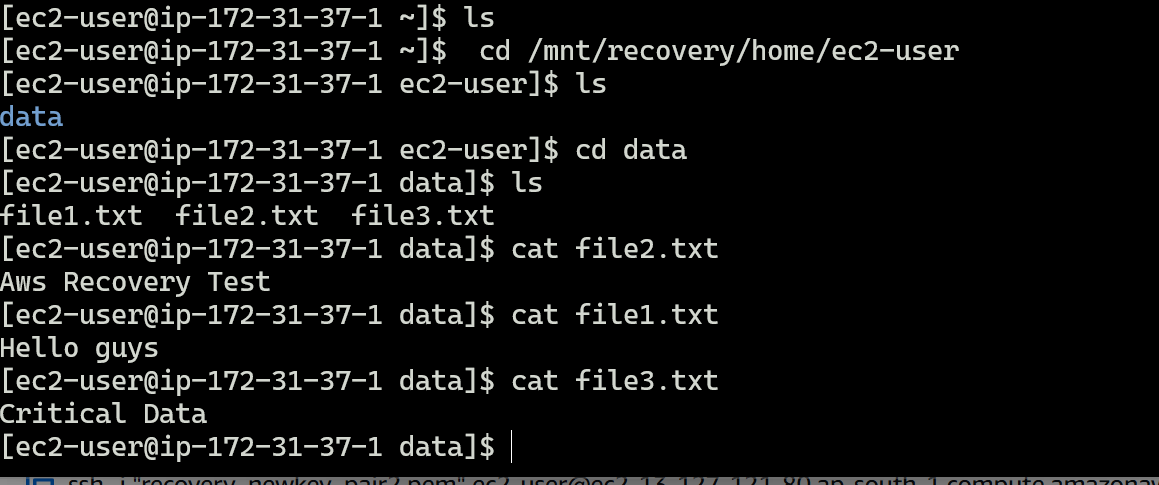
Verify the recovered data
Bonus
Difference between root volume and additional volume
Why data is not lost after instance stop or key loss
Device name before and after attachment
========================================================
Let's start with an EC2 instance
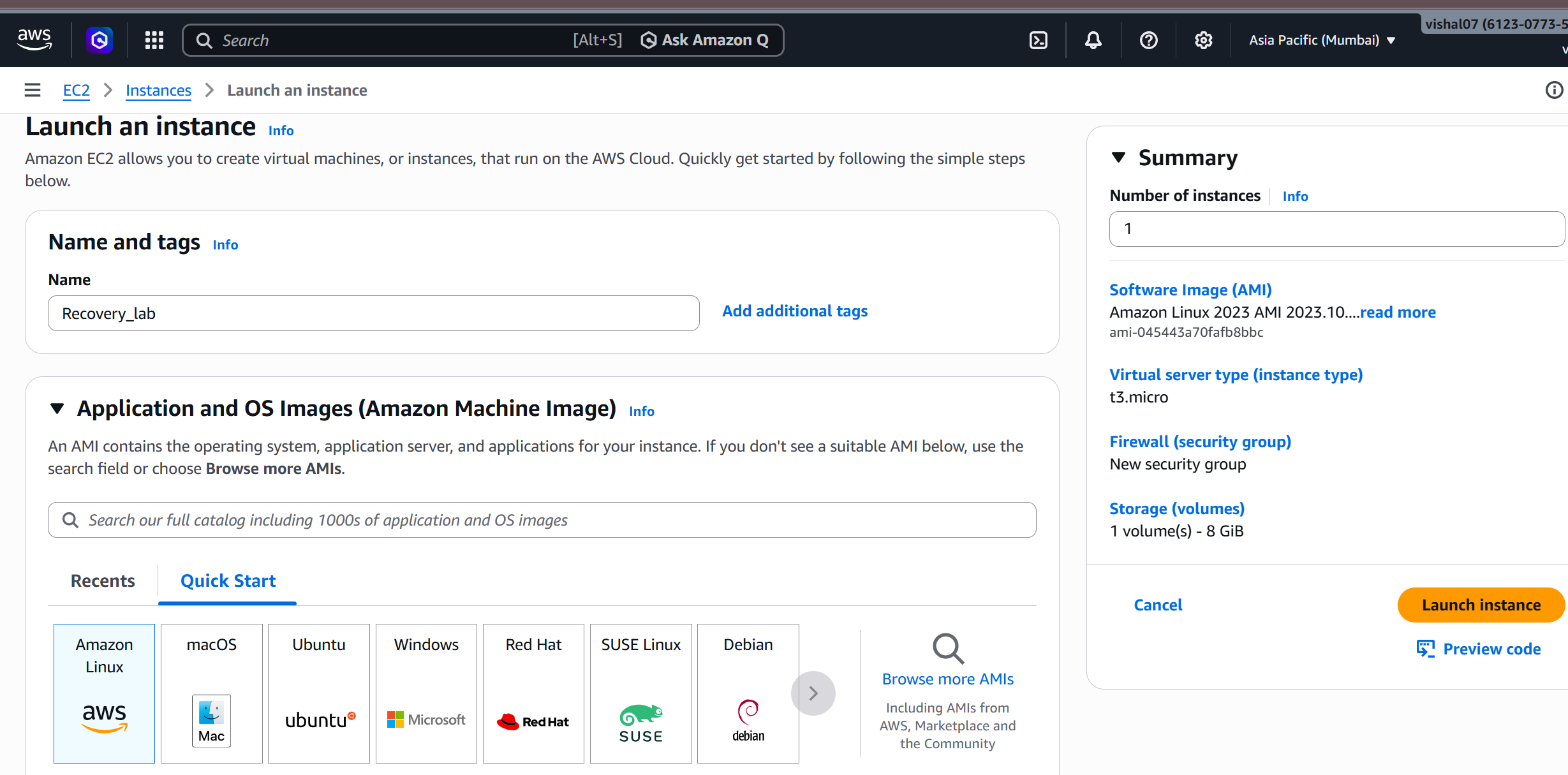
Launch an EC2 instance with 8 GB storage
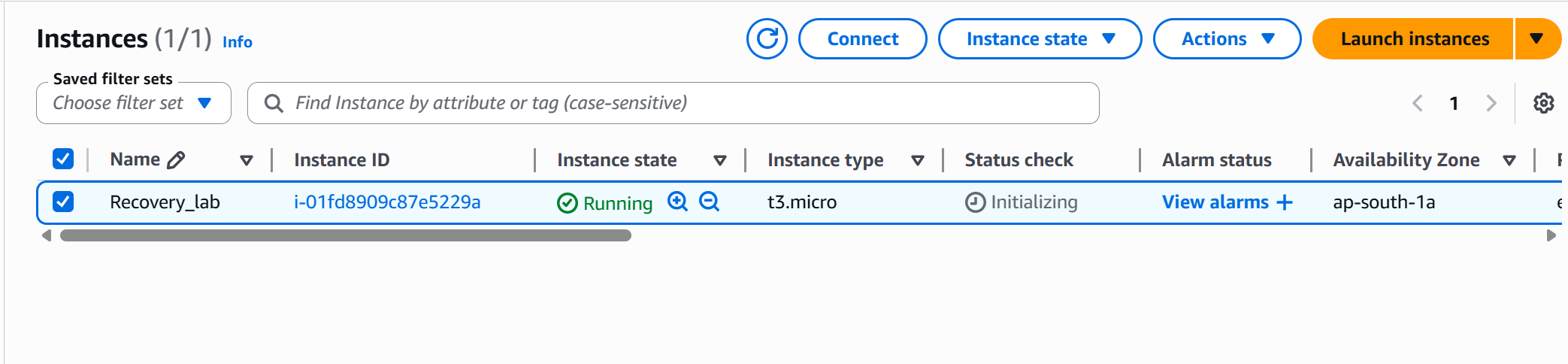
Now our instance is running.
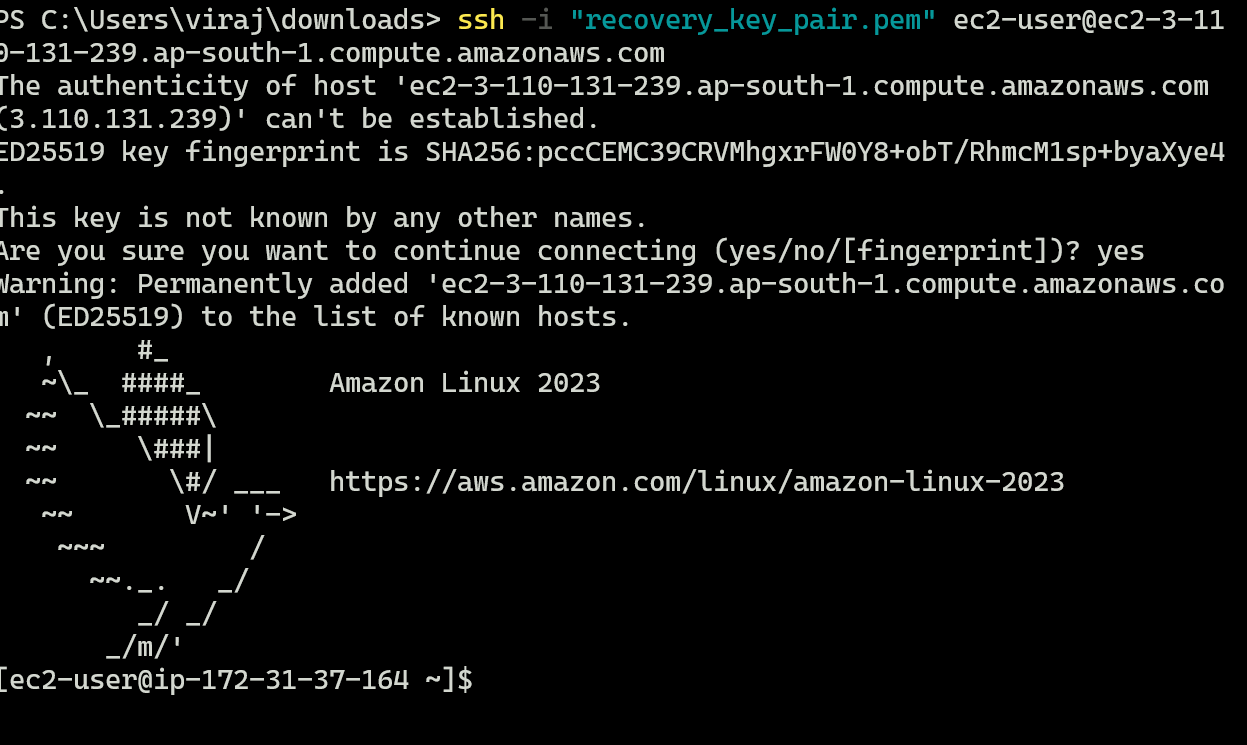
Connect via SSH
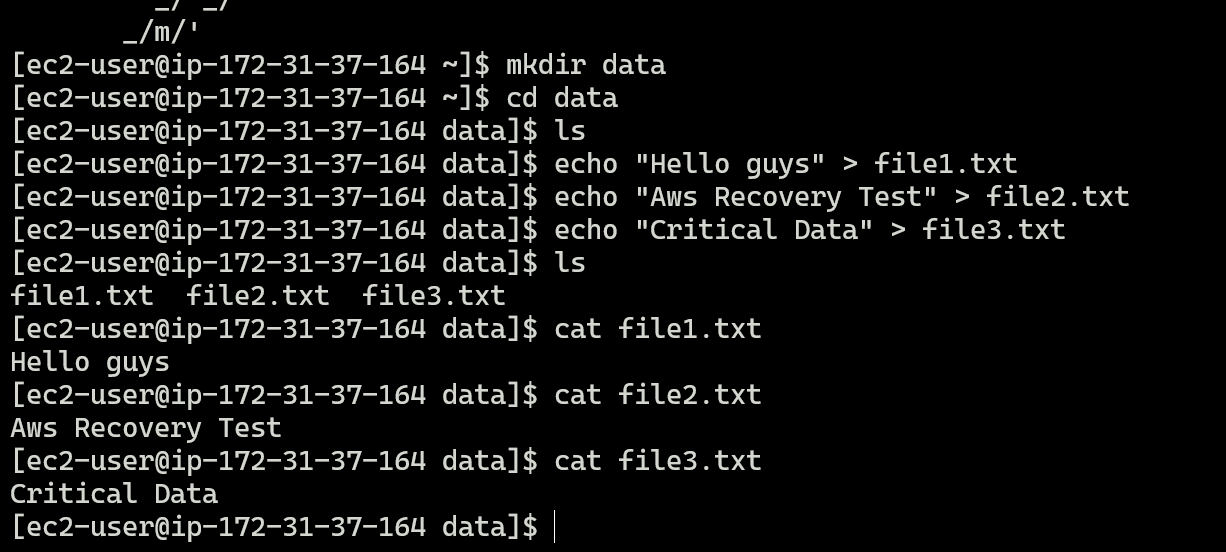
Create Data Directory and Sample Files, and verify data.
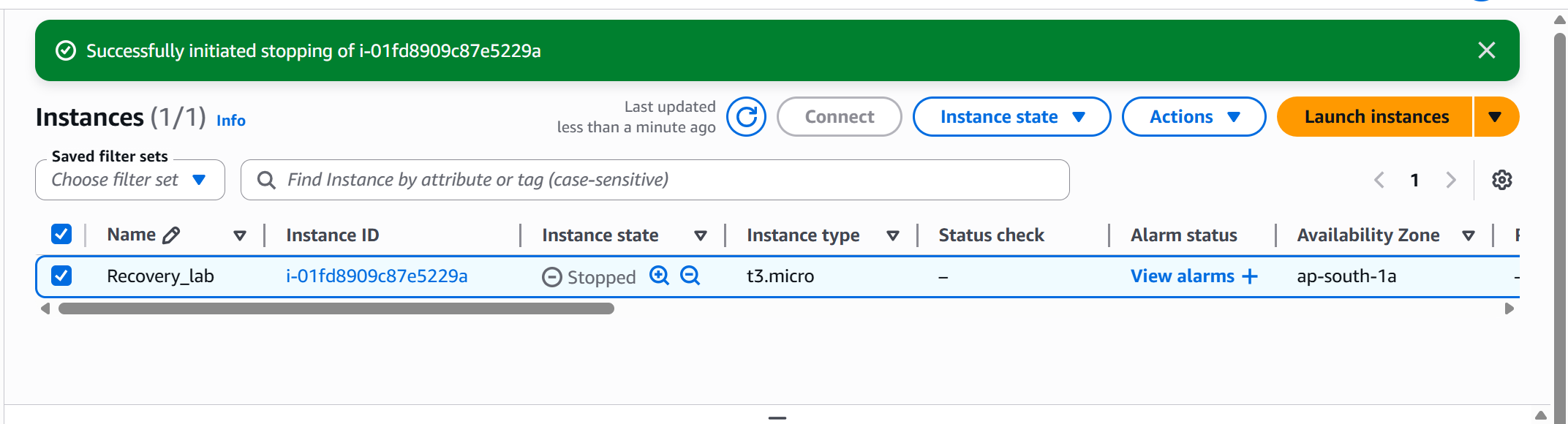
Stop the Instance
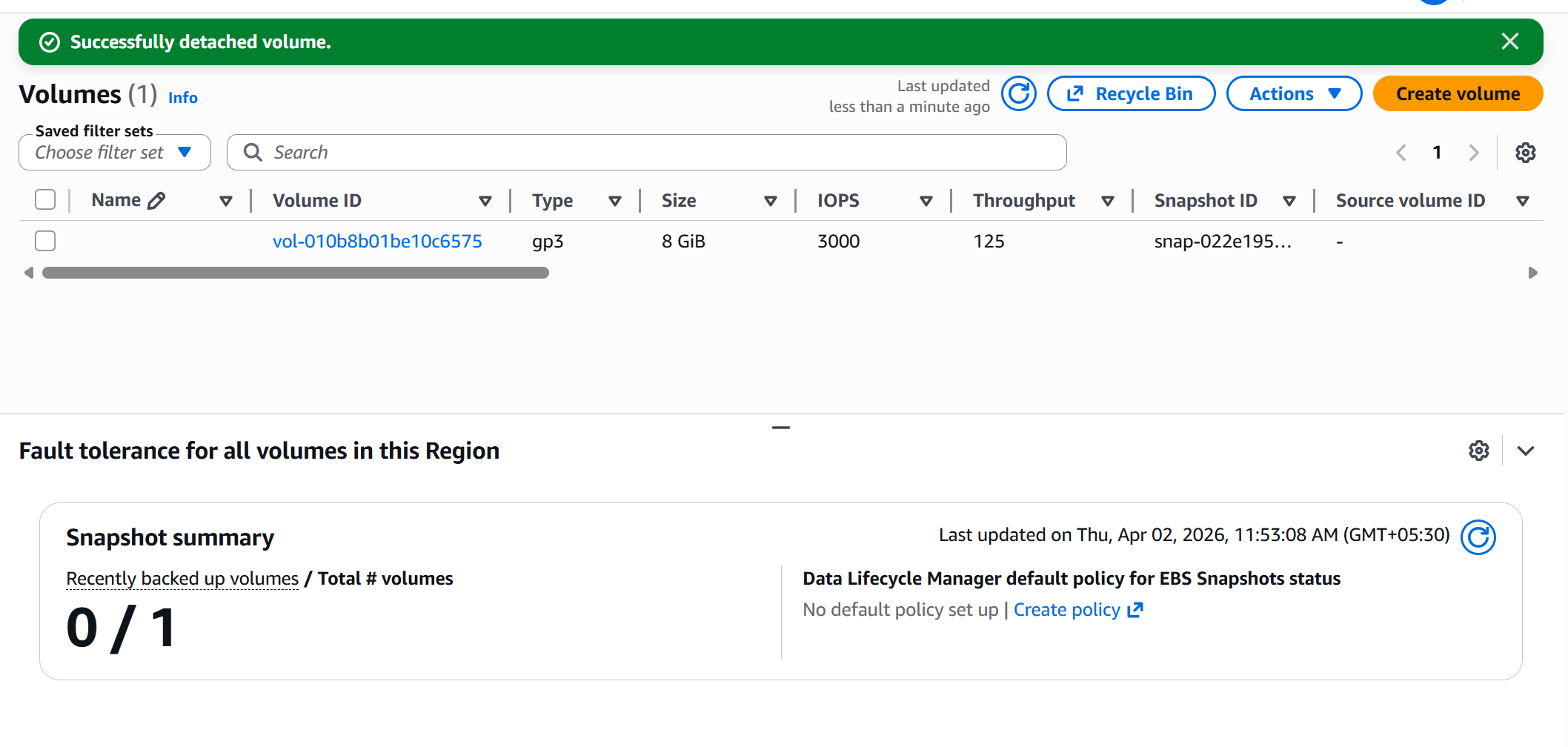
Detach Root Volume
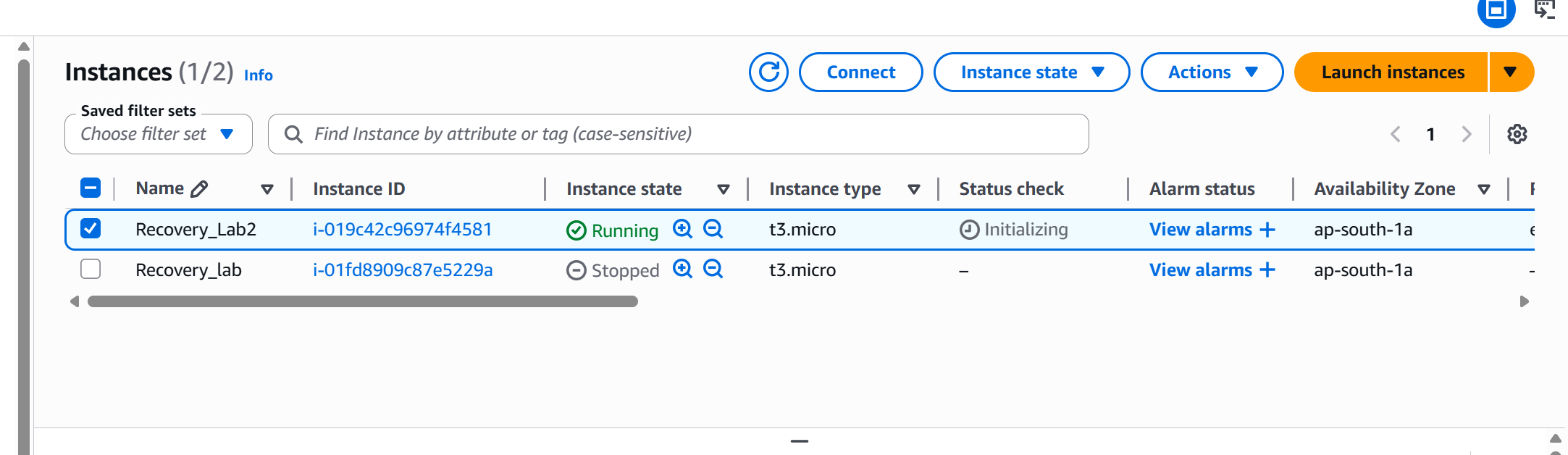
Launch New Instance with new key pair.
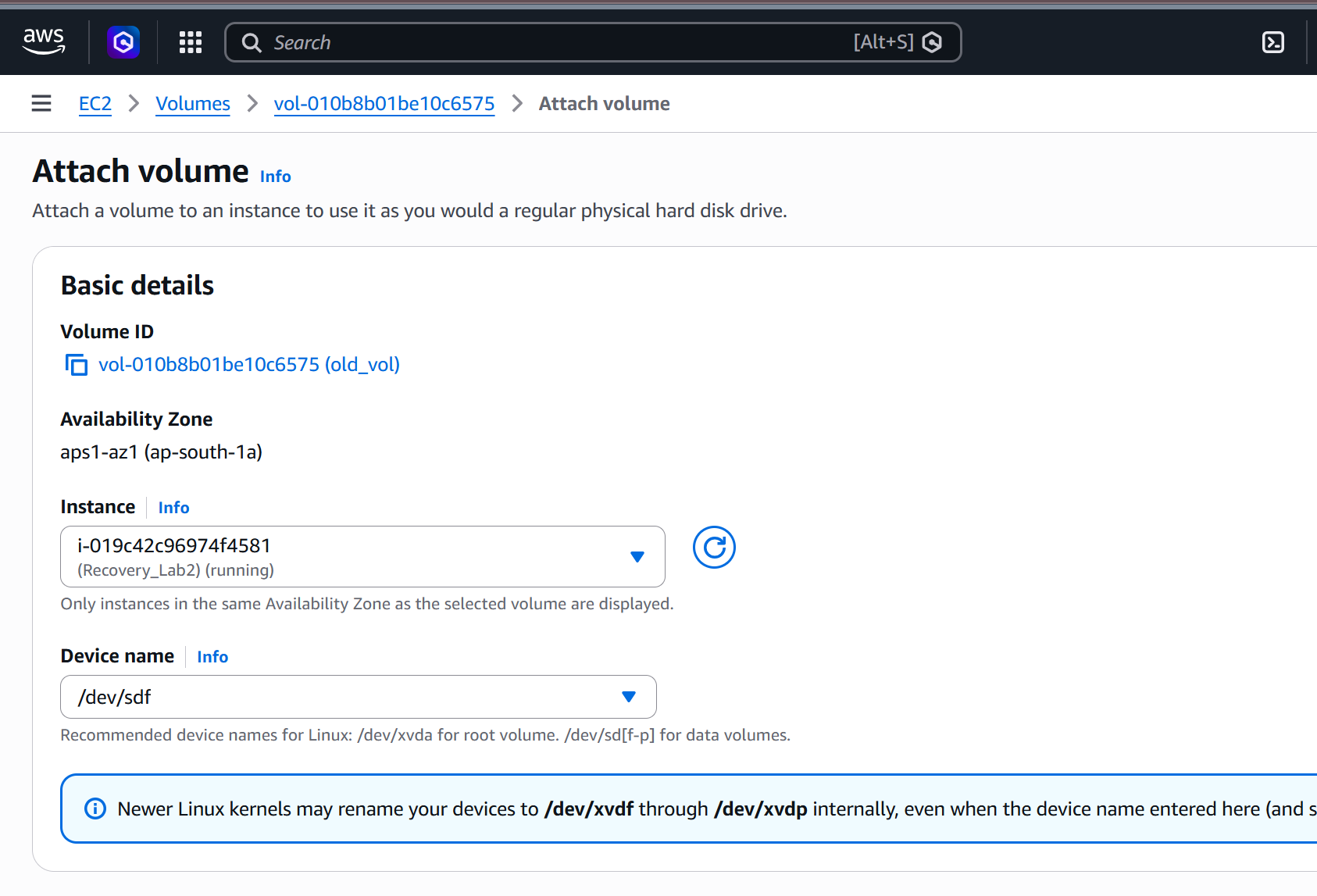
Attach old volume with the new instance
Both Volume attached
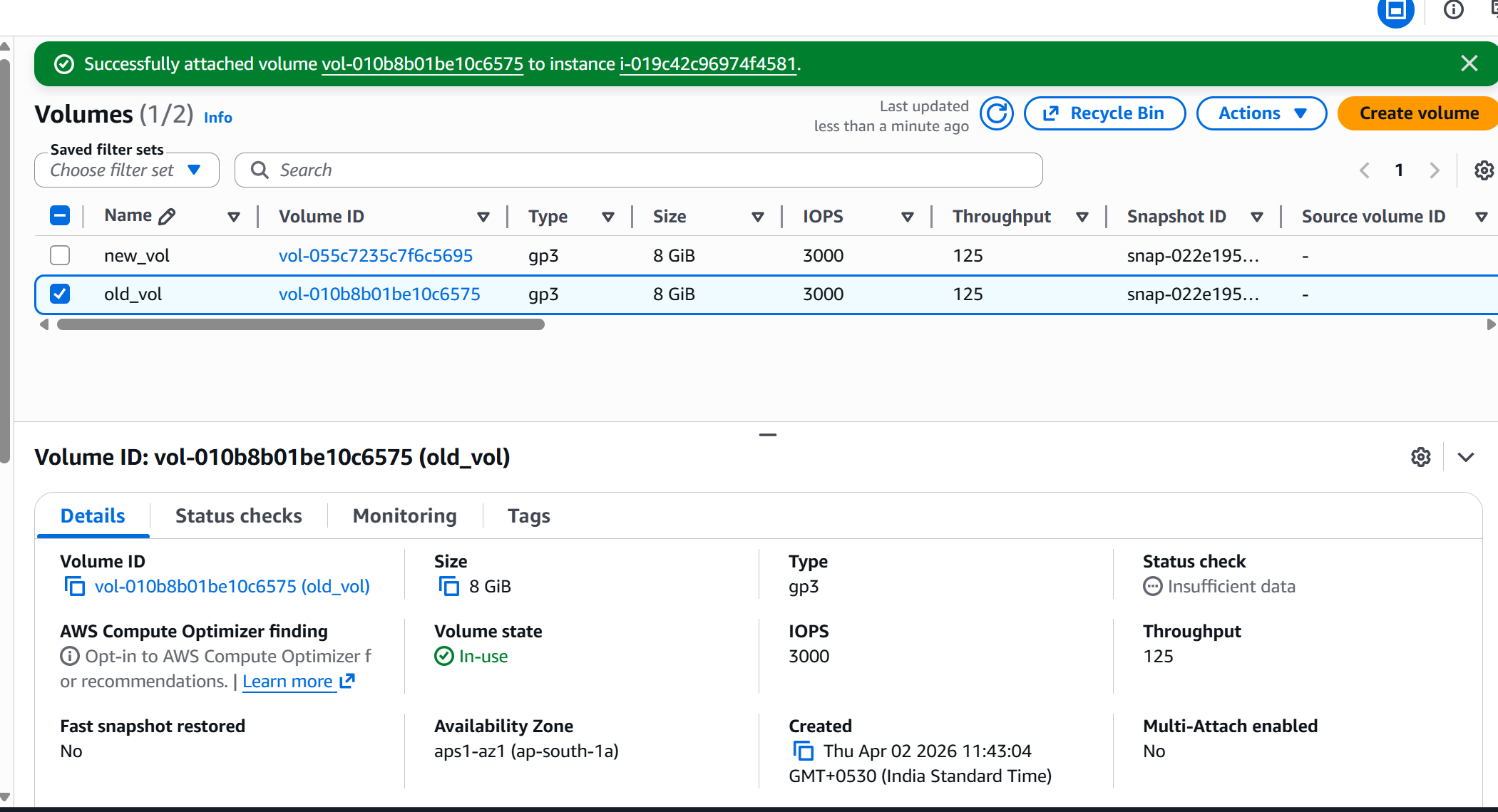
Now its time to recover the old data
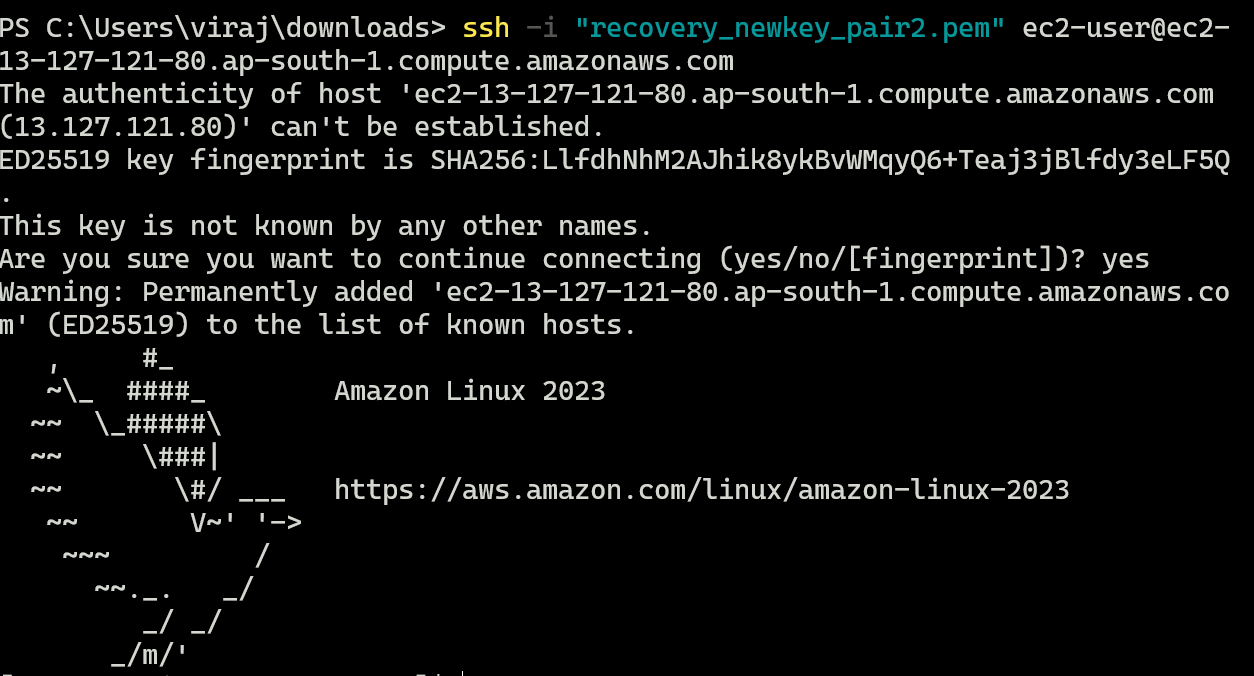
Connect to new instance
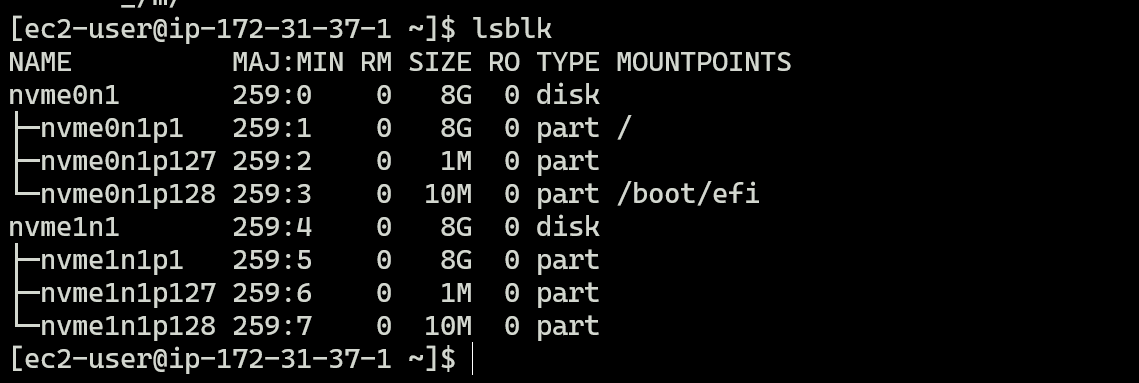
identify Volume

Creating Mount Point and Mount Volume
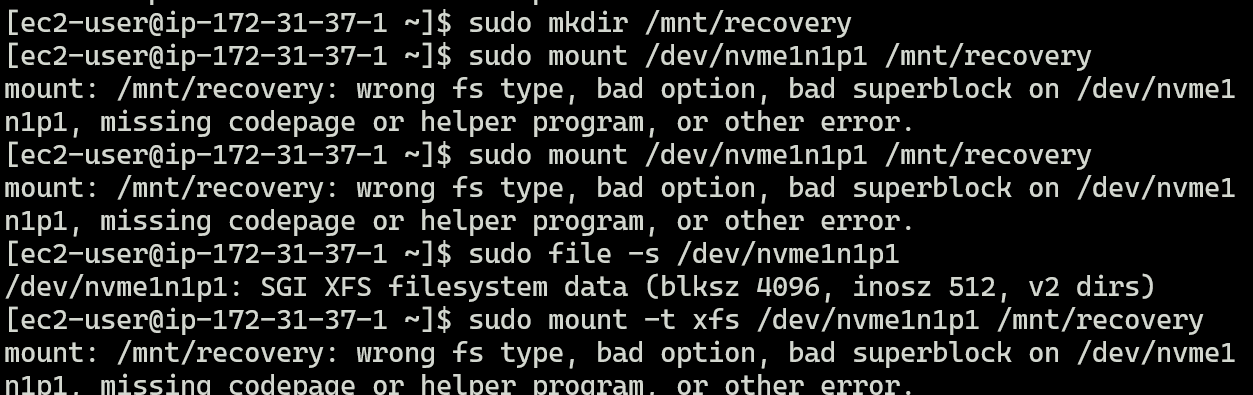
During mounting, I encountered some of these errors. I tried to fix them using troubleshooting. I tried to clear the corrupted logs as well.
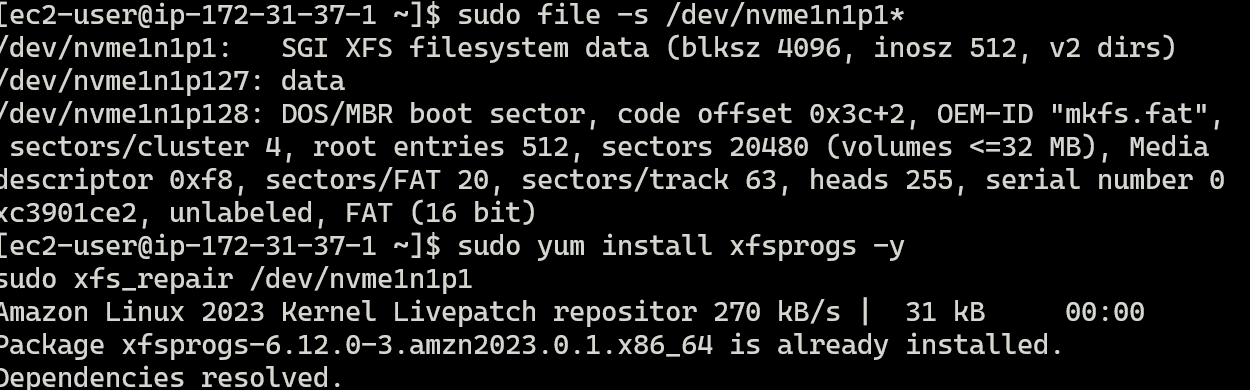
At last I use -o nouuid, this is the issue in AWS.
When using Amazon Elastic Block Store:
Root volumes have duplicate UUID conflict
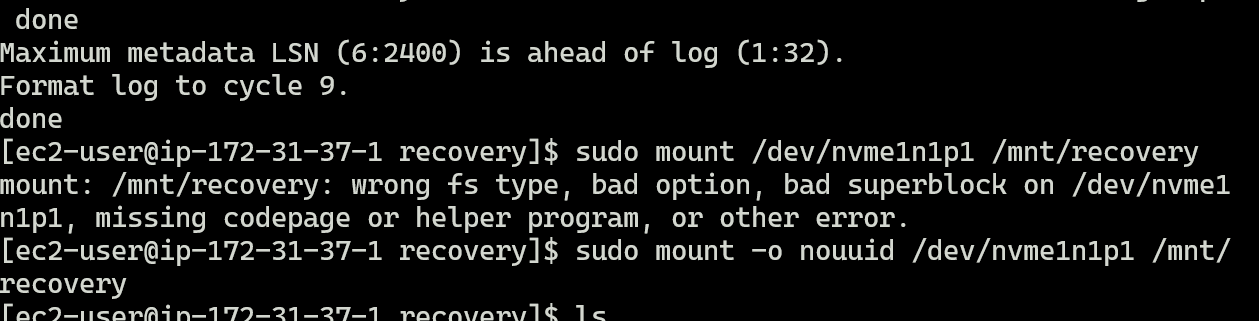
After Successful Mount

Acess Old data
Root Volume vs Additional Volume
| Root Volume | Additional Volume |
|---|---|
| Contains OS | Used for extra storage |
| Auto-attached at launch | Manually attached |
/dev/xvda |
/dev/xvdf, etc. |
| Required to boot | Optional |
Why Data is NOT Lost
AWS uses Amazon Elastic Block Store (EBS)
EBS is persistent storage
Data remains even if:
Instance is stopped
Key pair is lost
Volume exists independently of instance
Device Name Change
| Stage | Device Name |
|---|---|
| Original instance | /dev/xvda |
| After attach | /dev/xvdf |
| Inside OS | /dev/xvdf1 |
Comments
Join the discussionNo comments yet. Be the first to comment.